NFC habit tagsOne tap.
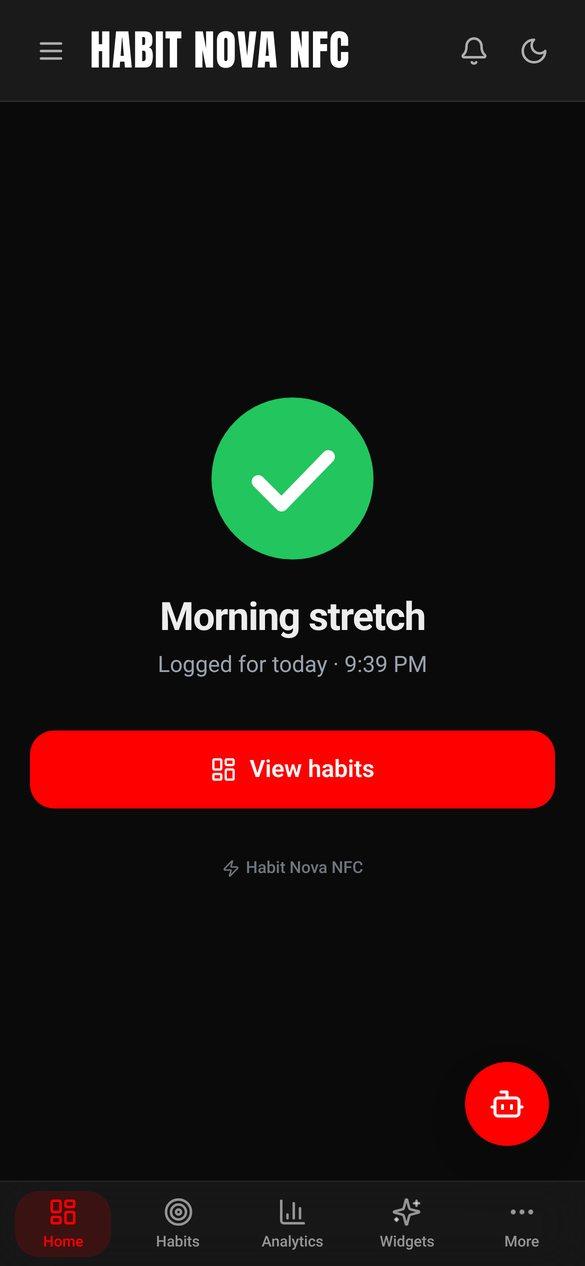
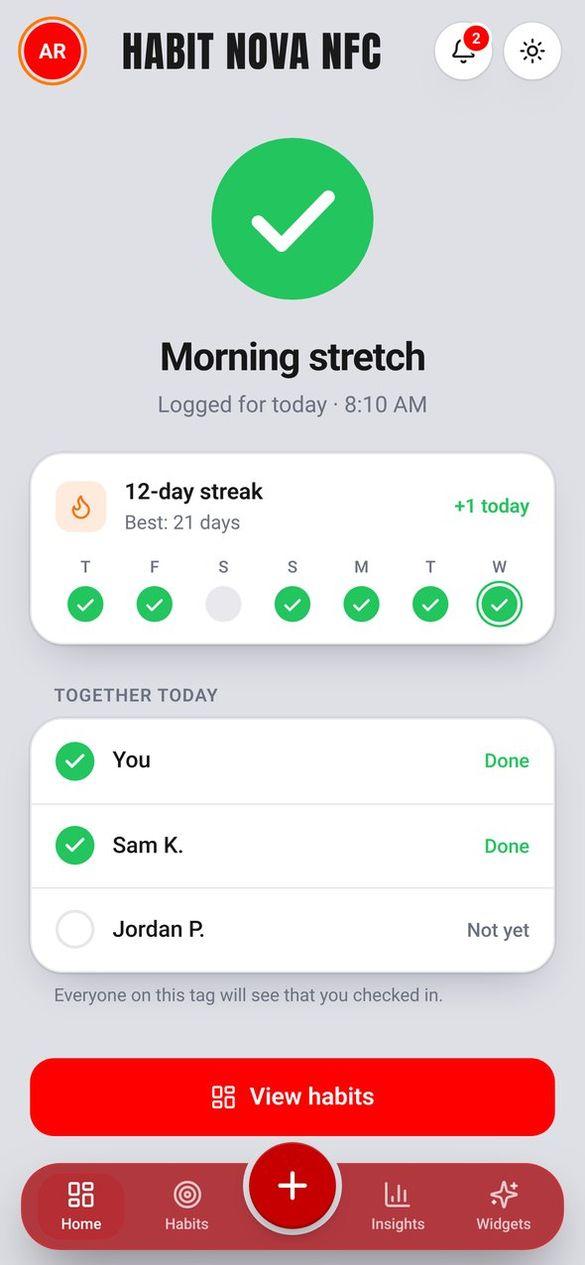
Habit logged.
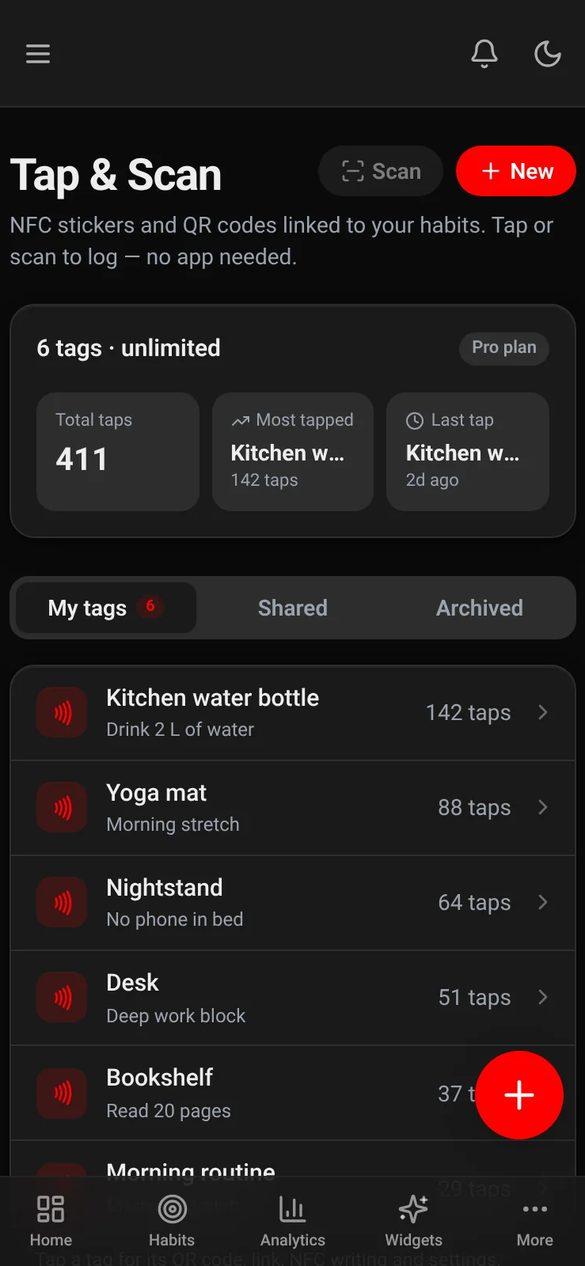
Stick a tag where the habit happens and tap it with your phone. It logs the habit, opens a widget, runs a routine or locks your apps.
- to log
- 1 tapto log
- on every tag
- QRon every tag
- jobs a tag can do
- 8jobs a tag can do
A tag can'tbe muted.
Notifications get swiped away. A tag on the water bottle or the desk is there every time you reach for it, so the room becomes the reminder.
Works with any NFC stickerFive minutes.Then one tap.
Make the tag, write it once, stick it up. Read the full setup guide
- 01Make a tag in Tap & ScanPick what it does: a habit, a widget, a routine or a Focus Lock. You get its link and a QR code.
- 02Write it to any NFC stickerThe Android app writes it for you. On iPhone, the free NFC Tools app does it in a few seconds.You write a tag once. Change what it does in the app any time.
- 03Tap. Done.Touch your phone to the tag and the job is done. No app to open, no menus.
One tag.Eight jobs.
Each tag gets a job in Tap & Scan, and you can change it any time.
Log a habit
Open a widget
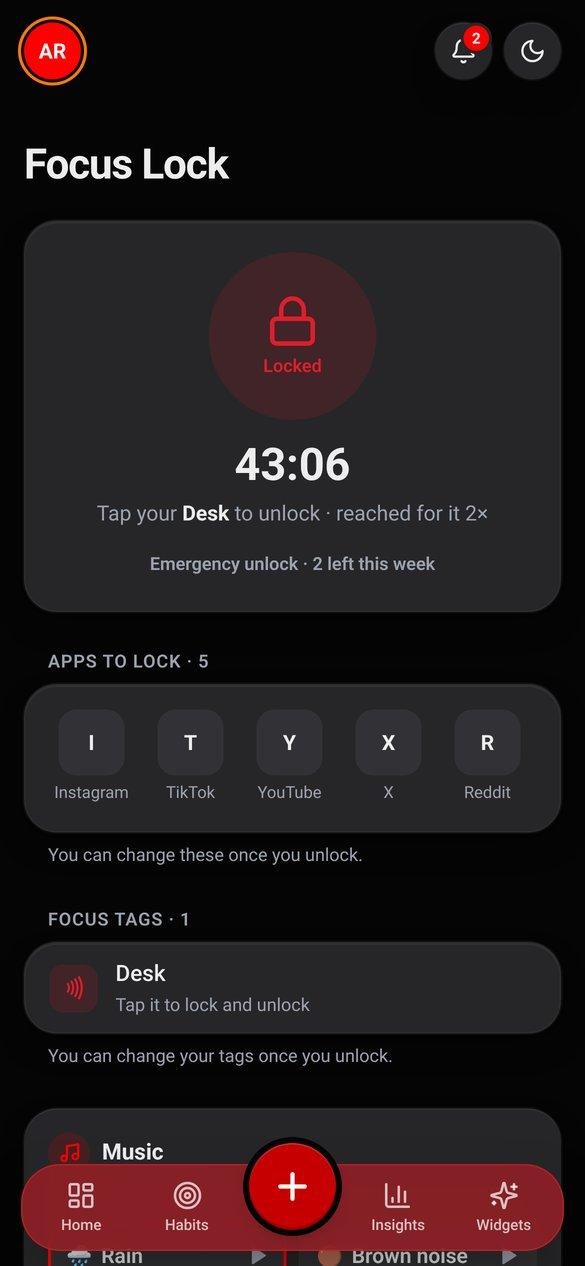
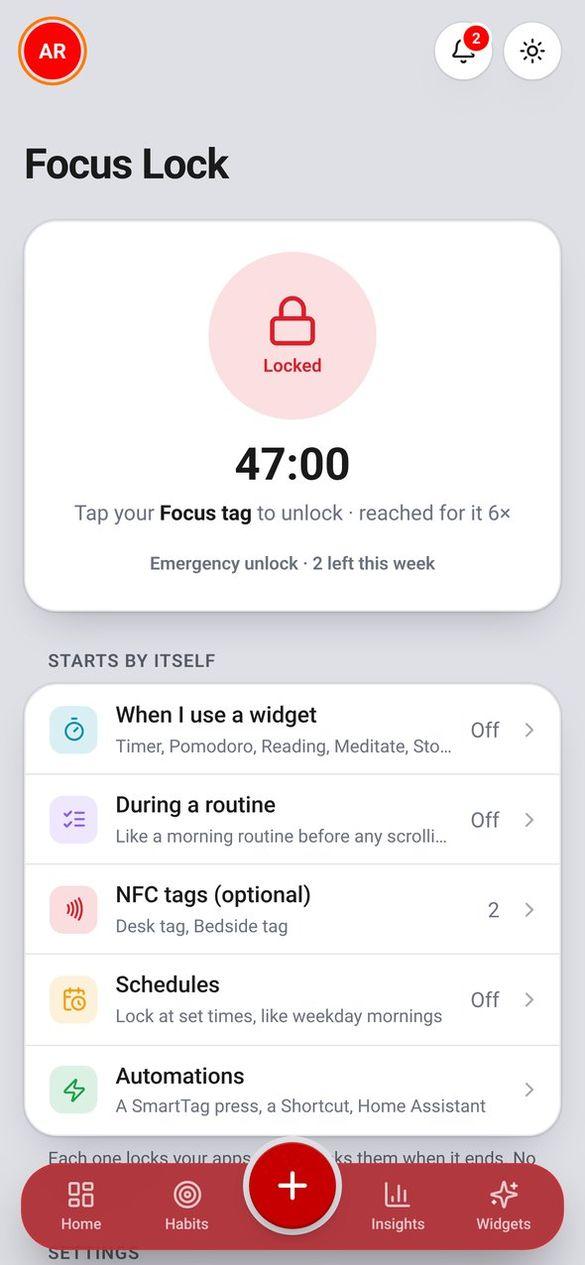
Lock your apps
Run a routine
Share with a partner
Open a shared list
Check in at a spot
Run your home
Tags and kitsare back soon.
The shop is closed while we restock. Leave your email and we'll tell you when it opens. Any NTAG213 or NTAG215 sticker works today.
Every tapdoes more.
No friction when it counts
The cue lives where the habit happens
Faster than any app
Taps can block, too
You decide who can tap
Every tap counts
One fridge.Two streaks.
Share a tag and whoever taps logs their own habit. The other person gets a “Log mine too” note. A pantry tag can open the grocery list you share.
Together today on the tap screen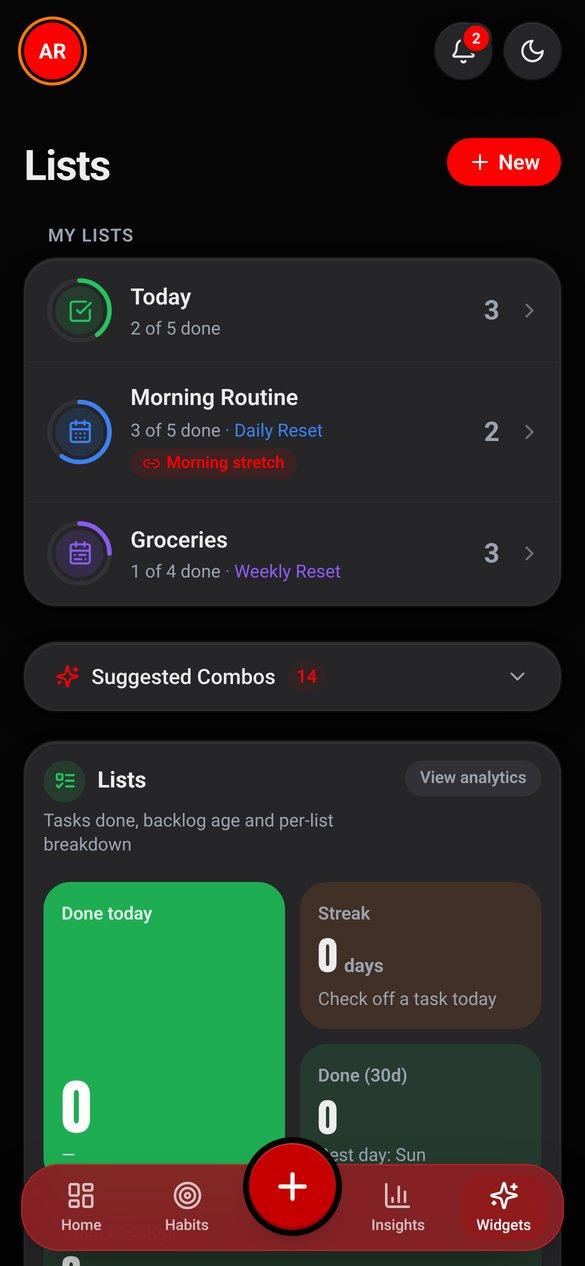
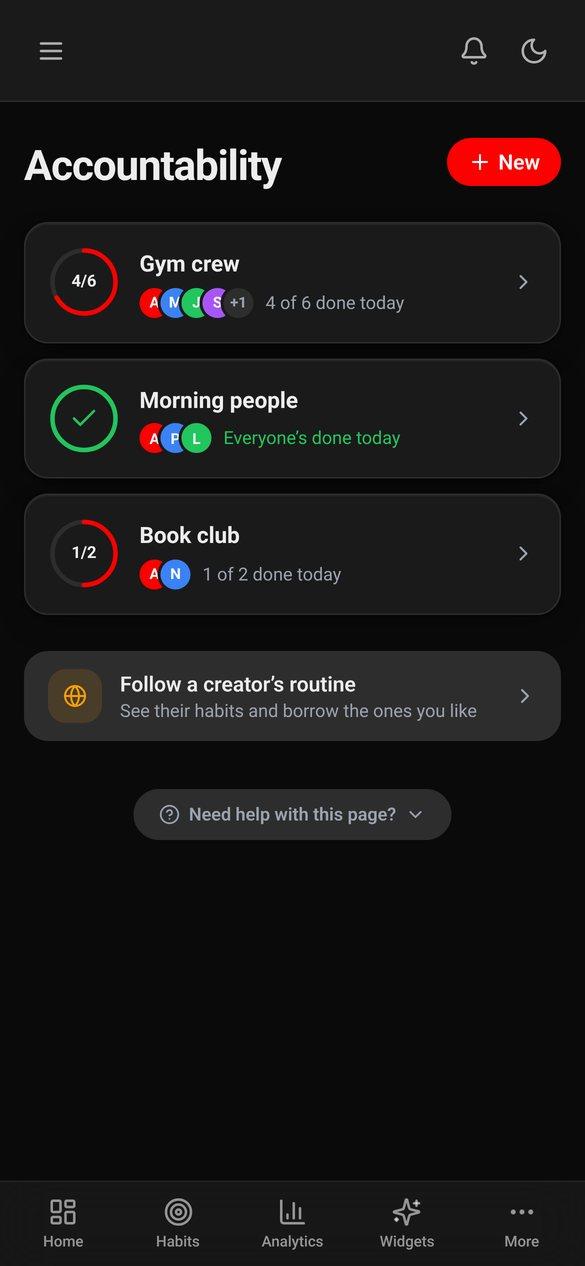
The tap screenwears your design.
After a tap you see your habit and streak in the design you picked for the app, one of 31.
Drink water
Logged for today · 7:42 AM
Classic
Drink water
Logged for today · 7:42 AM
Memphis
Drink water
Logged for today · 7:42 AM
8-bit
Drink water
Logged for today · 7:42 AM
Luxe
Tags onevery plan.
Free
- 5 NFC tags
- Every tag has a QR code
- Focus Lock in the Android app
Basic
- 15 NFC tags
- Partner tags and Shared Lists
- NFC analytics
Pro
Most tags- Unlimited NFC tags
- 1 universal tag anyone can scan
- Smart Home modes from a tap
Basic $7.99 a month, Pro $14.99, with a 7-day free trial.
Honestlimits.
Needs an NFC phone
iPhone taps open a tab
Tags can get lost
Placement takes thought
Questions, answered.
Do I need a special NFC tag?
Any NTAG213 or NTAG215 tag works: stickers, coins, cards or keyfobs. Waterproof ones are worth it for kitchens and gym bags.
What can a tag do besides log a habit?
Open a widget, run a routine, lock your apps (Android), open a shared list, check people in at a spot, or call SmartThings, Home Assistant, IFTTT or Zapier.
If I change what a tag does, do I write it again?
No. The tag only holds its link. Change it in Tap & Scan and the next tap follows it.
Can two people share one tag?
Yes, on Basic and up. Whoever taps logs their own habit, and the other gets a "Log mine too" note.
Can anyone tap my tag?
An open tag can be tapped by anyone holding it. Make it private and only you, plus people you share it with, can use it.
How many tags do I get?
Free: 5. Basic: 15. Pro: unlimited, plus 1 universal tag for a shared space.
Does it work on iPhone?
Yes. iPhone XS and newer read tags with no app, and Habit Nova runs in the browser. There's no iPhone app yet, so Focus Lock is Android only.
Setting up tags you already have? Read the setup guide
Tap yourfirst habit.
Make a free account, set up your first tag and stick it somewhere that matters.
Unlimited taps on every tag · No card for Free