Opal alternative with habit tracking built inOpalalternative
Opal is a polished screen-time blocker. Habit Nova blocks apps too, then gives the time you win back somewhere to go: habits, routines and streaks you log with one tap.
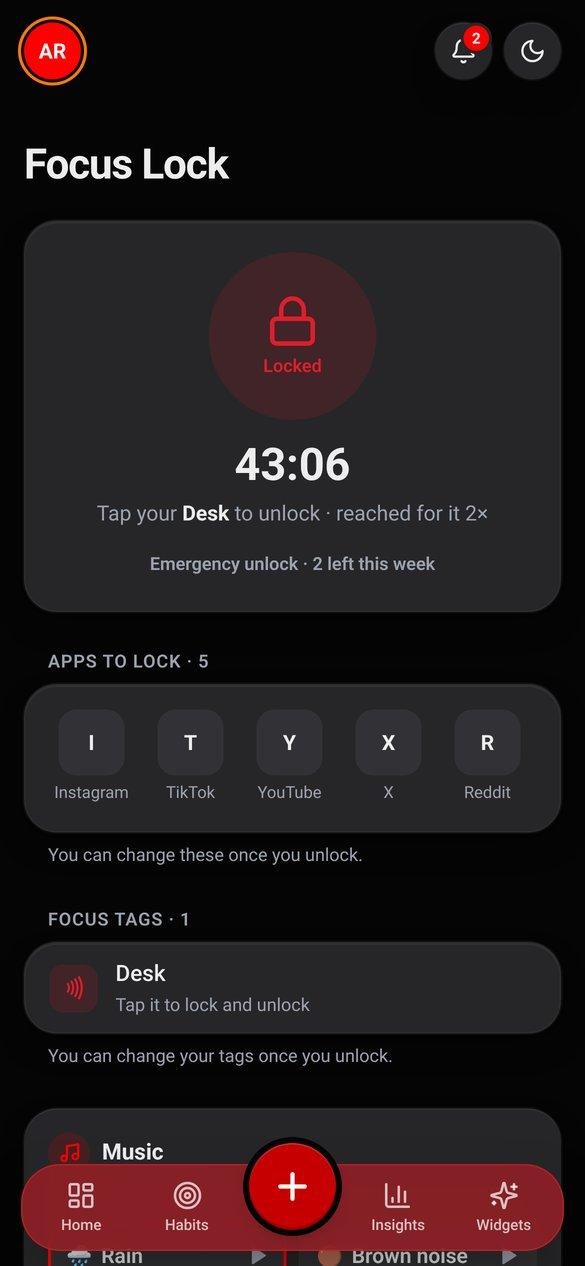
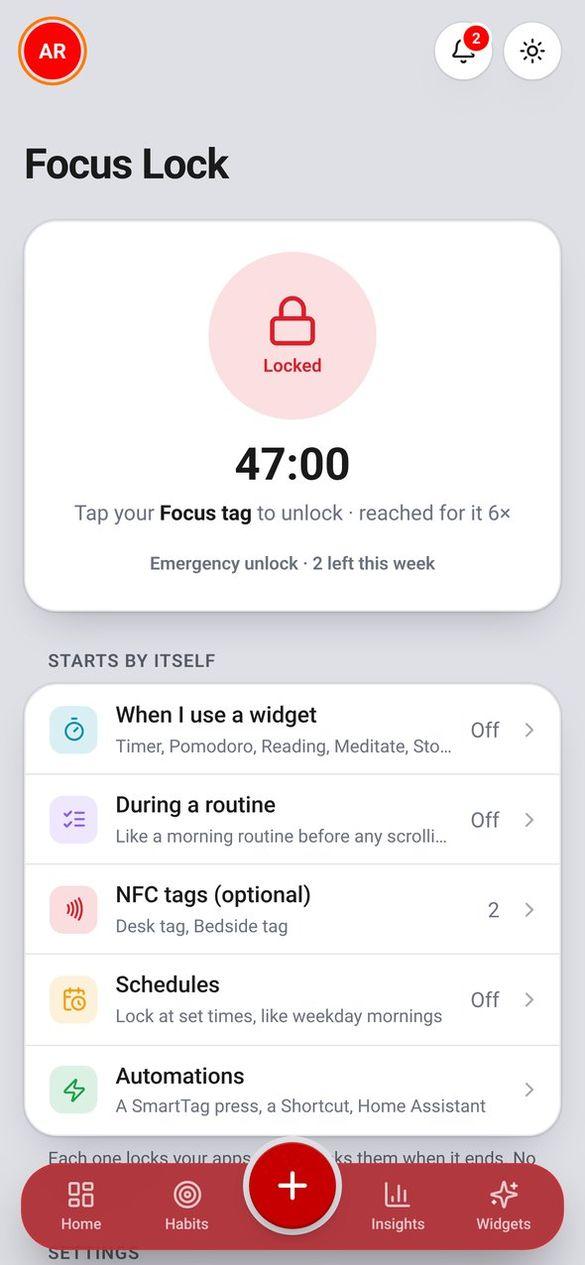
The short answer
Pick Habit Nova if you are on Android and want blocking and habits in one app. Pick Opal if you are on iPhone or Mac.
- Habit Nova
- Yes, Focus Lock (Android app)
- Opal
- Yes
- Habit Nova
- Yes, your own NFC tag
- Opal
- No
- Habit Nova
- Yes
- Opal
- No
- Habit Nova
- Yes
- Opal
- No
- Habit Nova
- Android app + any web browser (no iPhone app yet)
- Opal
- iPhone, Android and Mac
- Habit Nova
- Free on every plan
- Opal
- Free tier; Pro about $99.99 a year
| Feature | Habit Nova | Opal |
|---|---|---|
| Blocks distracting apps | Yes, Focus Lock (Android app) | Yes |
| Unlock by tapping a tag | Yes, your own NFC tag | No |
| Habit tracking and streaks | Yes | No |
| Routines that lock apps while they run | Yes | No |
| Platforms | Android app + any web browser (no iPhone app yet) | iPhone, Android and Mac |
| Price for blocking | Free on every plan | Free tier; Pro about $99.99 a year |
Opal details are from their own site when we checked in November 2026. Prices change, so check theirs before you buy.
Who wins where
- Works on iPhone and Mac, where Habit Nova has no app yet.
- Deep screen-time reports and website blocking.
- Blocking is the whole product, so it goes further than ours there.
- Focus Lock is free on every plan, with no blocking paywall.
- Tap your desk tag to lock Instagram, tap it again to unlock.
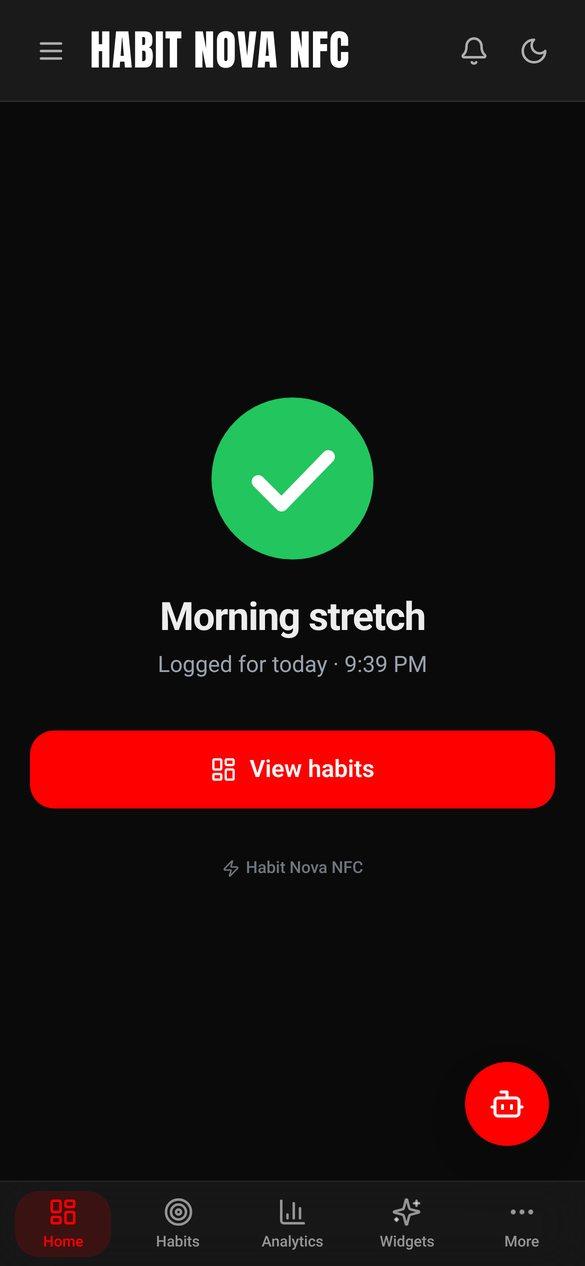
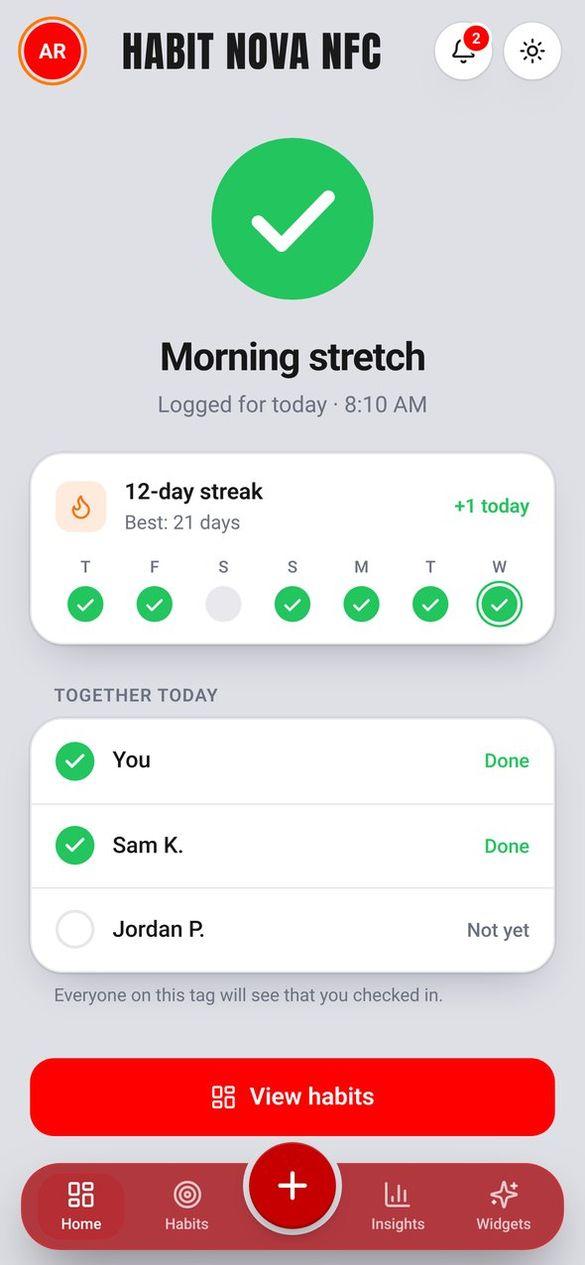
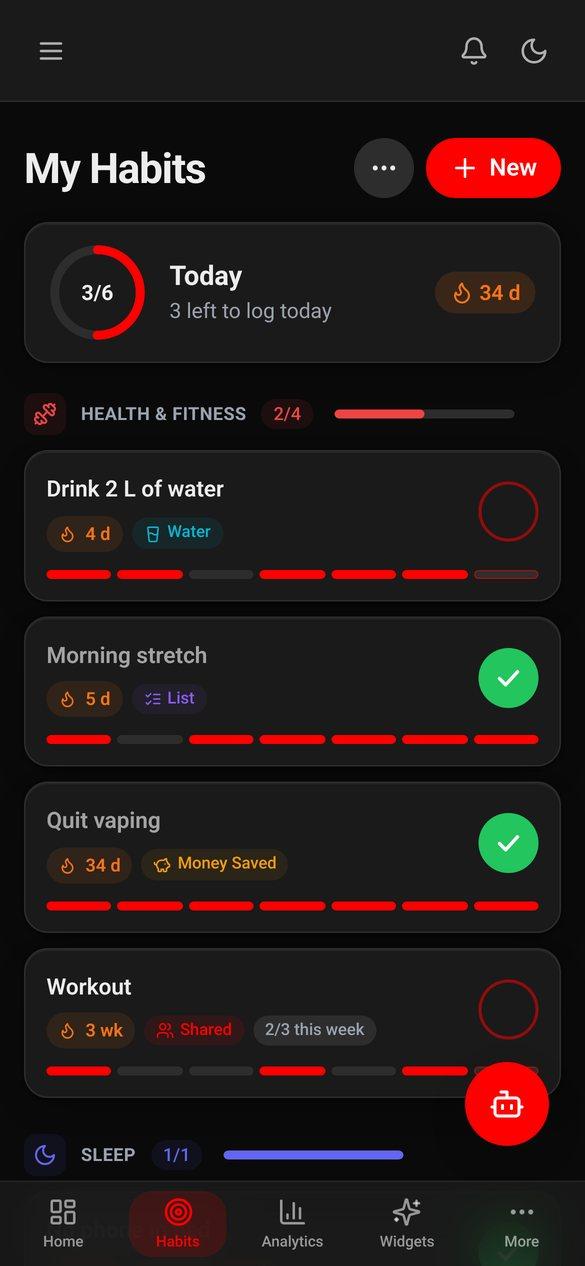
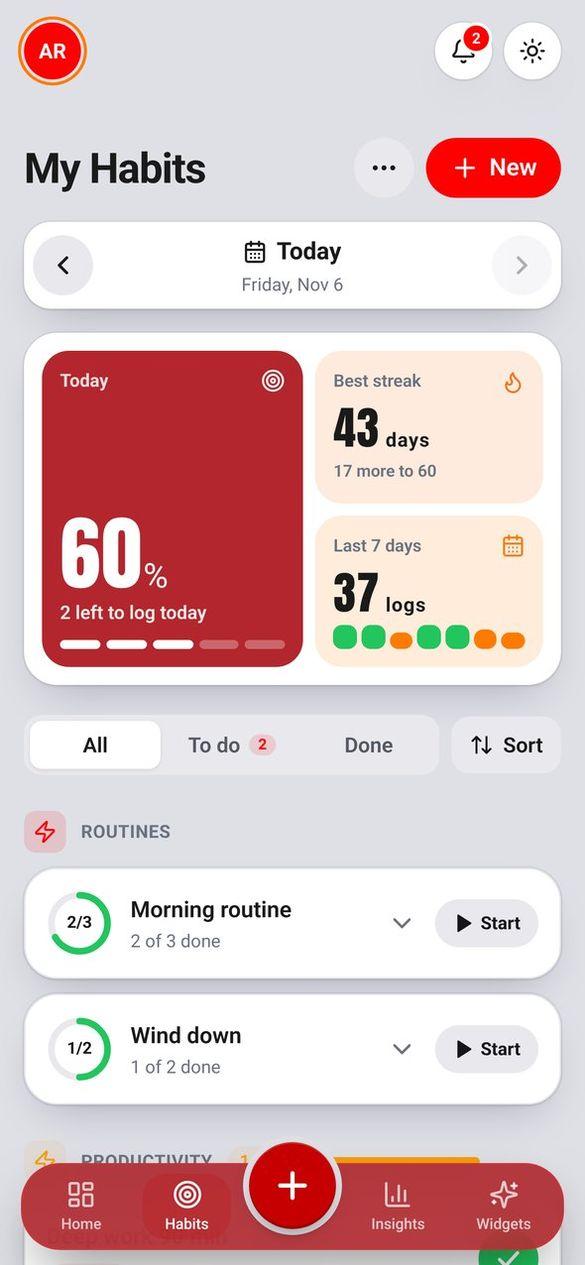
- Habits, routines, streaks and 21 widgets in the same app.
- Timers, Pomodoro and routines can lock your apps while they run.
Is Habit Nova a free Opal alternative?
Focus Lock is included on every Habit Nova plan, Free too, in the Android app. Paid plans add more habits, NFC tags and features, not the blocker.
Does Habit Nova block apps on iPhone?
Not yet. Focus Lock runs in the Android app. In a browser you get Focus mode, a timed lock that closes games and counts the times you leave the tab, but it cannot block other apps.
Do I need NFC tags?
No. You can start a lock from the app, a timer or a schedule. A tag just makes it physical: the lock stays on until you go back to your desk.
Try itfree.
Habits, routines and widgets on Android and in any browser. Focus Lock in the Android app, on every plan.